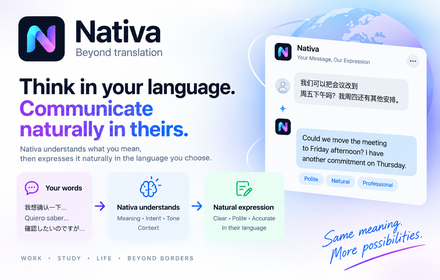
Think in your language. Communicate naturally in theirs.
Nativa is an AI communication assistant, not a word-for-word translator. It helps you understand what a message actually means — its intent, tone and context — and then helps you express what you want to say naturally in another language, right where you already write.
Nativa currently works across 15 popular platforms and web services in the Chrome release.
Where Nativa helps
WhatsApp — multilingual outgoing messages and audio context
Write in your own language and let Nativa help you send a natural message in theirs. When a conversation includes an audio message, you can ask Nativa to help you understand what was said.
Messenger — Document AI workspace
Open a document shared in a chat in a dedicated workspace, where Nativa helps you read, translate and understand it without leaving the conversation.
LinkedIn — Post Mode
A dedicated mode for writing posts, so a longer public message reads naturally in the language you publish it in.
Instagram — multilingual outgoing messages
Reply to direct messages in a language you don't write comfortably, with wording that reads naturally to the person receiving it.
Gmail — cross-language email
Understand an incoming email and compose your answer across languages, keeping the tone appropriate for the exchange.
Understand images — text, details and context
In supported conversation surfaces you can select an image and ask Nativa about it: a short summary, the text that is visible in it, details worth noticing, and interpretation of what it appears to show. Results depend on image quality, and image support is not available on every platform.
You stay in control
Content-processing features run when you invoke them or enable the matching setting. Optional Communication Learning is a separate setting and is off by default.
Supported platforms
The current Chrome release works across 15 popular platforms and web services. Capabilities vary by platform — some offer deeper in-place messaging, document, image or media workflows, while others use Nativa’s shared translate-and-write tools.
- Messenger
- WhatsApp Web
- Telegram Web
- X (Twitter)
- GitHub
- Stack Overflow
- YouTube
- Discord
- Google Messages
- Gmail
- Outlook